

Step 1: Get your New Relic license key
In New Relic, navigate to your API keys:- Log in to your New Relic account
- Go to API Keys in your account settings
- Create a new Ingest - License key or copy an existing one
Step 2: Enable Broadcast in OpenRouter
Go to Settings > Observability and toggle Enable Broadcast.
Step 3: Configure New Relic
Click the edit icon next to New Relic and enter:- License Key: Your New Relic ingest license key
- Region: Select your New Relic region (
usoreu)
Step 4: Test and save
Click Test Connection to verify the setup. The configuration only saves if the test passes.Step 5: Send a test trace
Make an API request through OpenRouter and view the trace in New Relic’s distributed tracing view.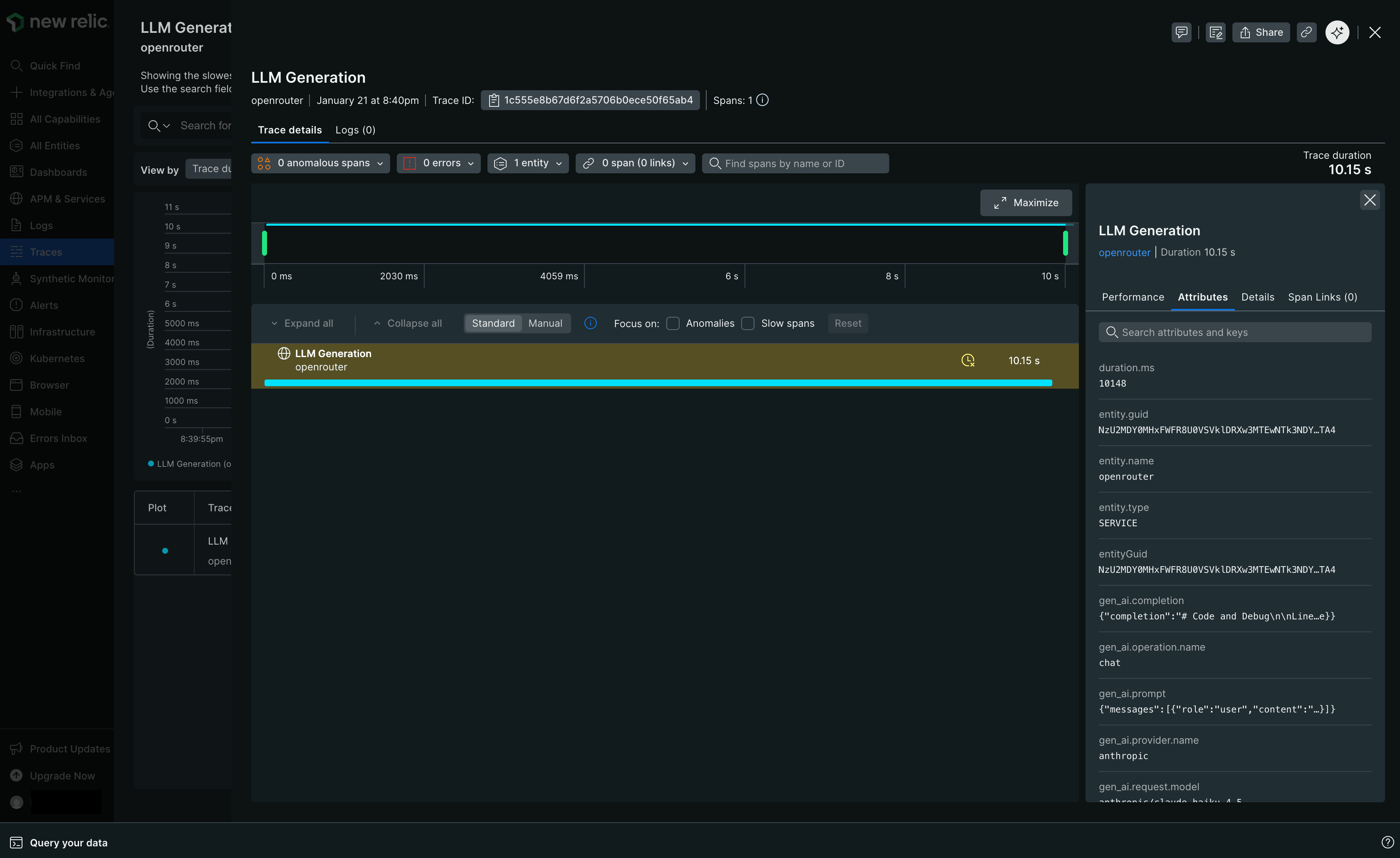
Custom Metadata
New Relic receives traces via the OTLP protocol. Custom metadata from thetrace field is sent as span attributes.
Supported Metadata Keys
Example
Viewing in New Relic
In New Relic’s distributed tracing view, you can:- Filter traces by custom attributes using NRQL queries
- View custom metadata in the span attributes panel
- Create alerts and dashboards based on metadata fields
Additional Context
- Custom metadata keys from
traceare included as span attributes under thetrace.metadata.*namespace - The
userfield maps touser.idin span attributes - The
session_idfield maps tosession.idin span attributes - GenAI semantic conventions (
gen_ai.*attributes) are used for model, token, and cost data